Exporting Your Video
When your project is ready, export it. Clippy renders the final video in the cloud so your computer stays free.
How to export
- Click Export in the top bar
- Choose your quality:
- 720p — smaller file, faster export
- 1080p — full HD
- 4K — highest quality
- Click Export
A progress bar shows the status as your video renders.
After export
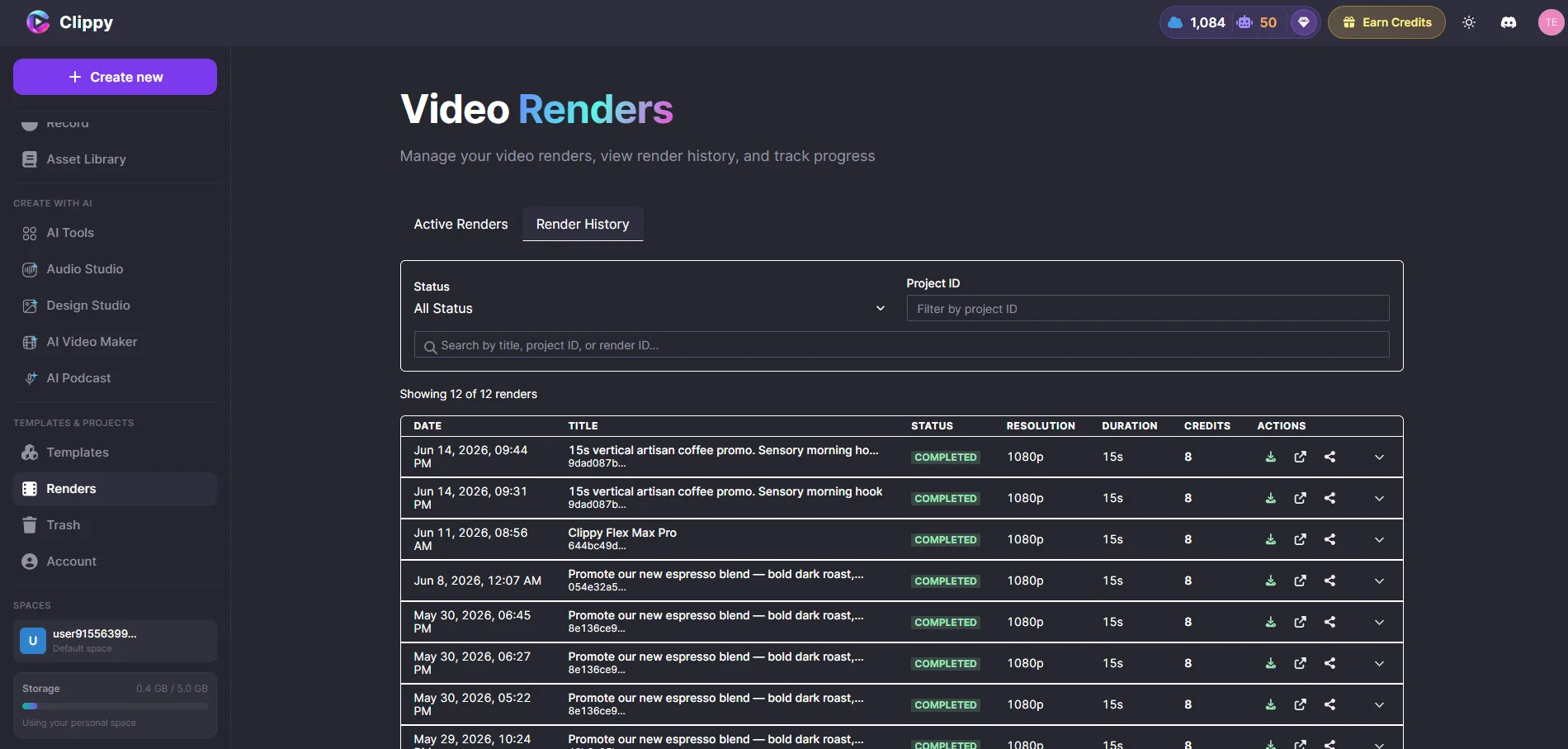
When rendering finishes:
- Download — click the download link to save your MP4
- Dashboard — your video is also available from your project dashboard
- Share — copy a share link directly from the dashboard
Export while you work
Close the browser tab after starting an export — rendering continues in the cloud. Your video will be ready when you come back.
Before you export
- Preview your full timeline once more
- Check that text is readable and positioned correctly
- Make sure audio levels sound balanced
- Export a draft version first before doing a final 4K render