AI Video Agent
The AI Video Agent turns your idea into a full video automatically. Type what you want, and the Agent builds scenes, adds media, generates voiceover, and creates captions — all on the timeline ready for you to tweak.
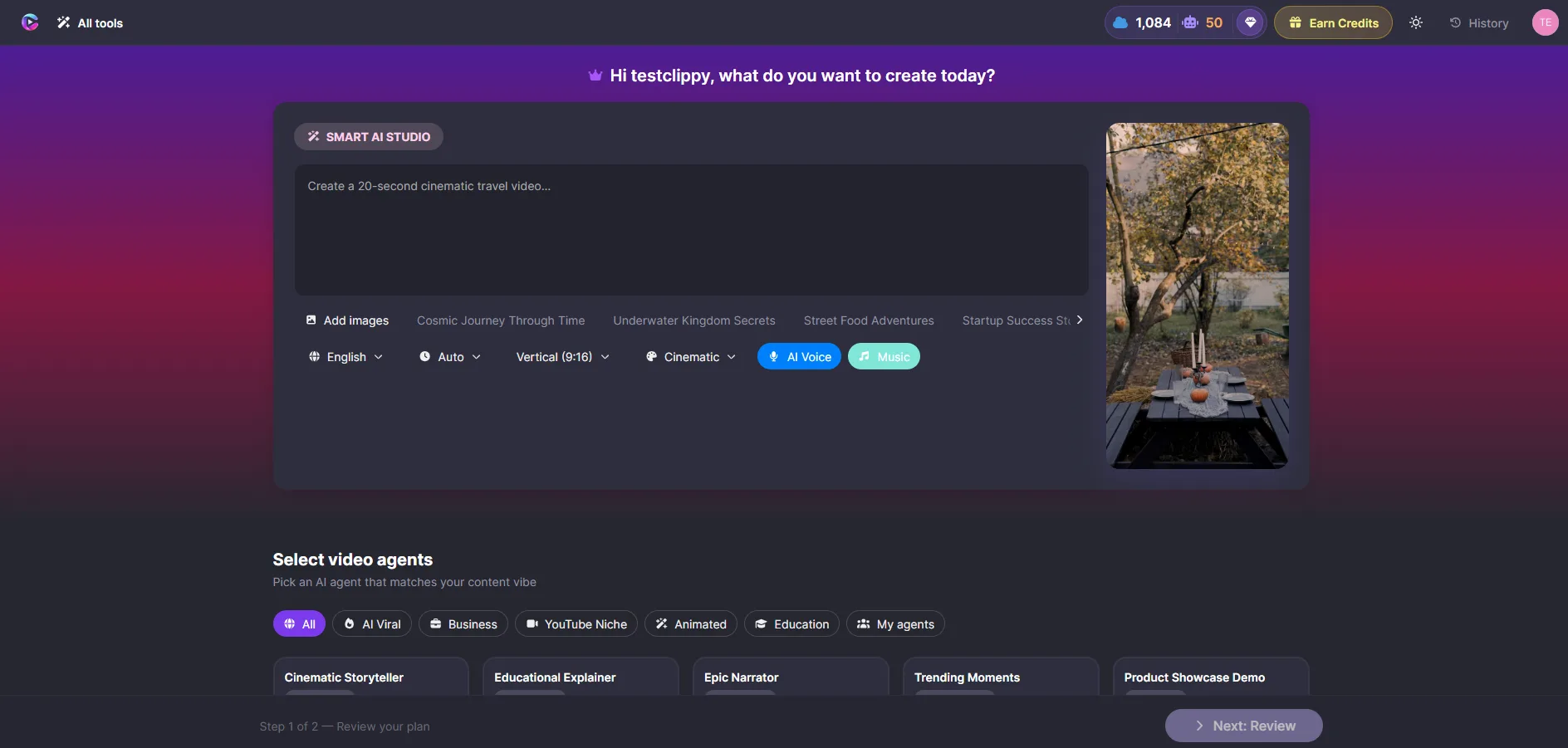
Generate a video
- Click AI Video Agent in the toolbar
- Describe your video — for example: "30 second promo for our new product launch, professional tone, blue and white theme"
- Choose a style (professional, cinematic, playful, modern)
- Click Generate
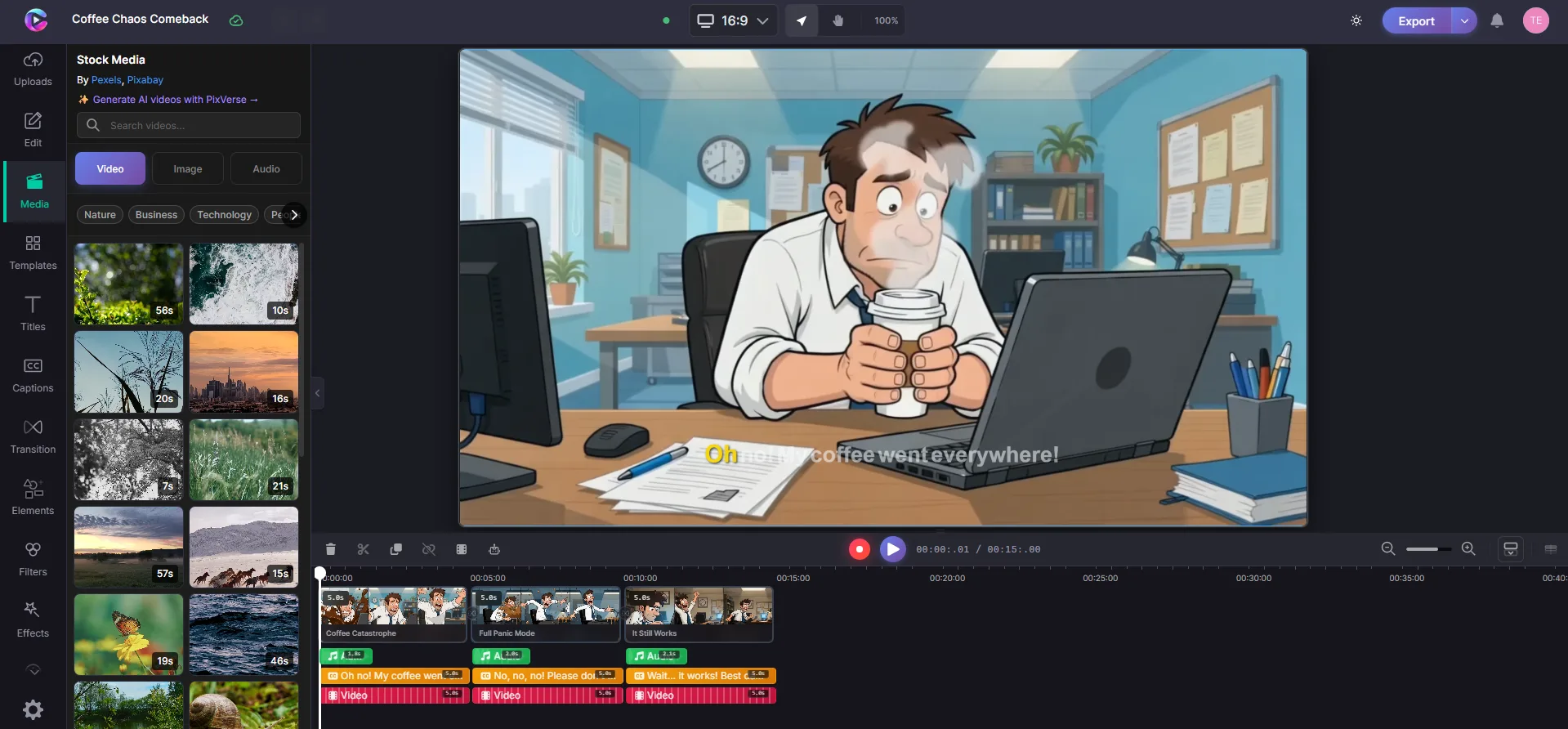
The Agent shows you progress as it works: writing scenes, finding media, adding voiceover, building captions. When it's done, everything appears on your timeline.
What the Agent creates
| What | Description |
|---|---|
| Scenes | Structured scenes with matching media |
| Voiceover | AI narration synced to each scene |
| Captions | Auto-generated and styled |
| Transitions | Smooth transitions between scenes |
Refine the result
After generation, everything is editable:
- Reorder scenes by dragging on the timeline
- Edit text — click any text on the canvas to change it
- Swap media — replace any image or video with your own
- Change voiceover — edit the script and regenerate
- Regenerate a single scene — click refresh on any scene
Tips
- Be specific in your description — the more detail, the better the result
- You can mix AI-generated content with your own media in the same project
- Use the Agent to rough out a first draft, then polish manually