Introducing Clippy: Where Your Brand Meets AI Video

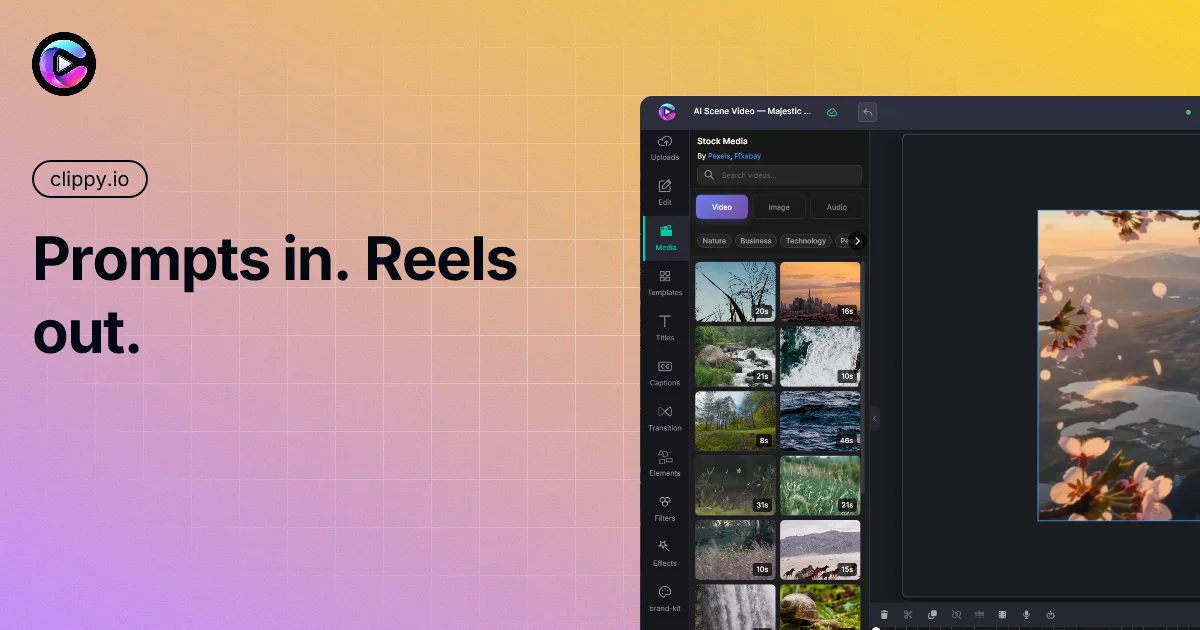
You have a story. Maybe it's a product launch, a lesson your students need to remember, a reel that should feel unmistakably yours.
What you probably don't have is an afternoon to disappear into exports, font hunts, and "why does this caption look wrong on Instagram?"
That gap — between I know what I want to say and I have a polished video that says it — is exactly why we built Clippy.
Hi. We're Clippy.

Clippy is an AI-powered video editor that runs in your browser. Create professional videos in minutes — no downloads, no complex software.
A single place to generate, edit, brand, and export — from a text idea to a finished timeline you'd actually post.
We're live at clippy.io. Open the editor at app.clippy.io. If you've ever wished your creative tools could think as fast as you do — you're in the right place.
Your dashboard, your projects
Everything starts here: your projects, exports, and a clear path to create something new.
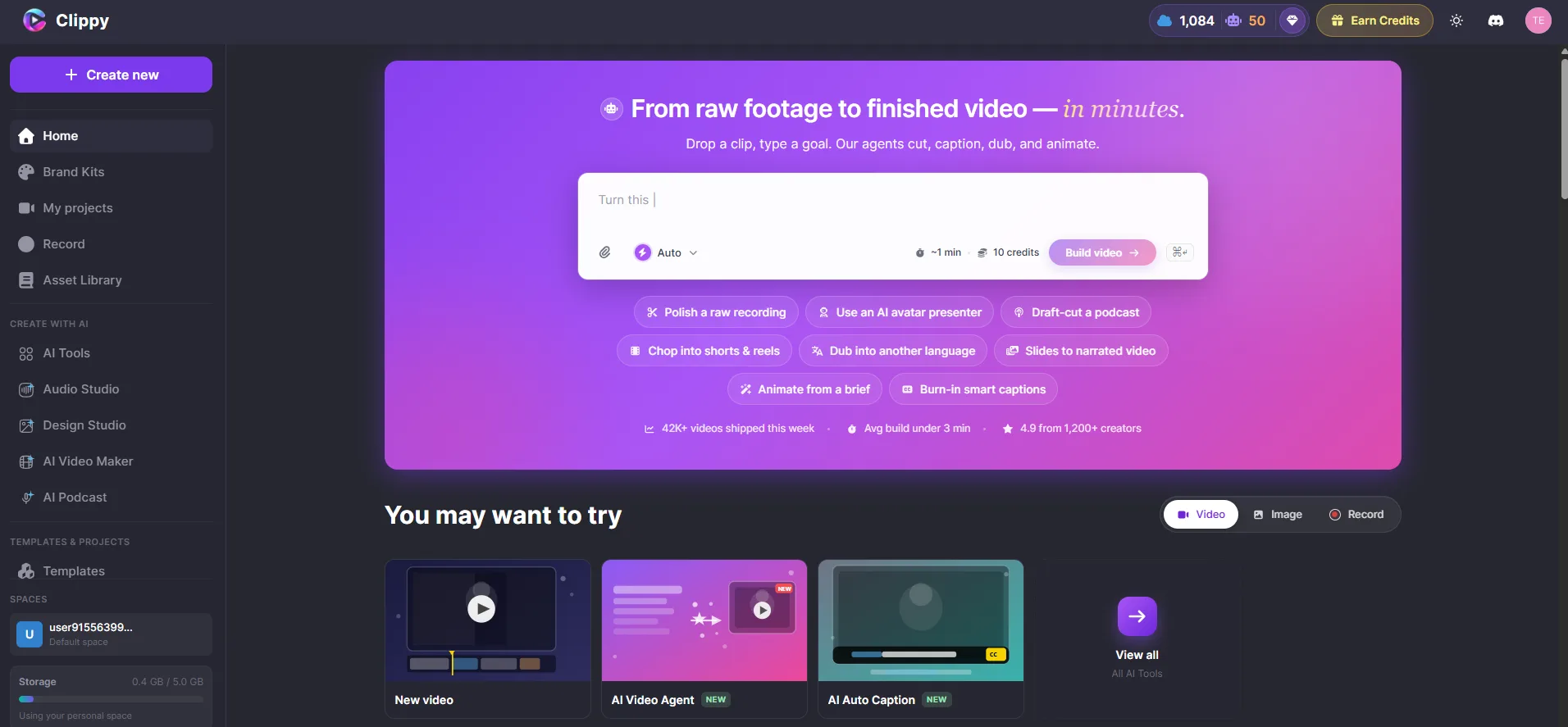
No install wizard. No "which version of the app do you have?" Sign in and start.
The problem we kept seeing
Most people don't fail at video because they lack taste. They fail because the workflow is fragmented:
- Write the script in one app
- Find stock footage in another
- Record voiceover somewhere else
- Fight the timeline in a fourth tool
- Export, re-export, fix the aspect ratio, post, hope for the best
Brands have it worse. Every clip is a little off-palette. Every caption uses the wrong font. Every video feels fine — but not theirs.
We wanted one calm surface where creativity compounds instead of resets.
What you can do with Clippy
1. Generate videos from text — the AI Video Agent
Describe what you want. The AI Video Agent builds it: scenes, voiceover, captions, and media — arranged on your timeline, ready for you to refine.
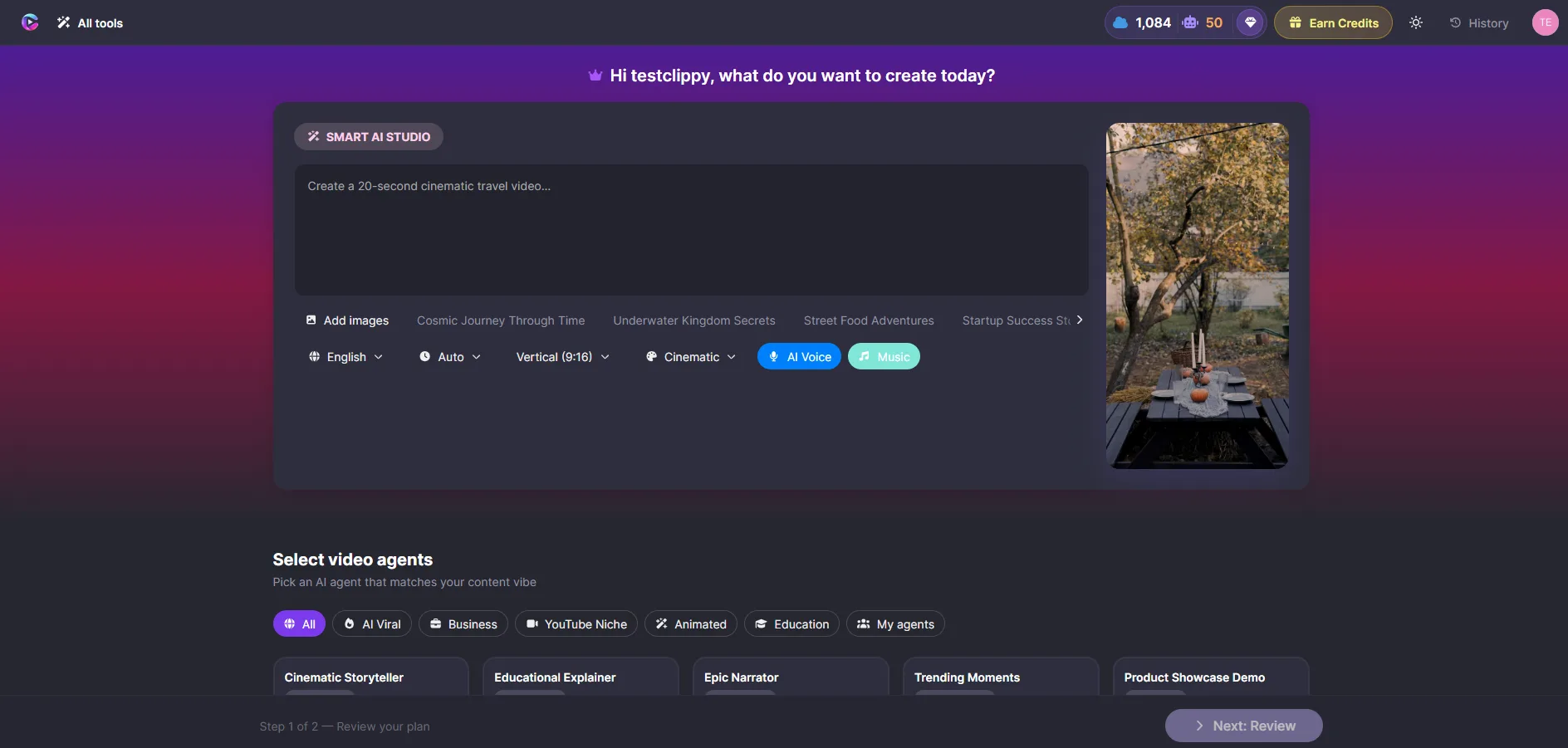
Try something specific: "30 second promo for our new product launch, professional tone, blue and white theme." Choose a style — professional, cinematic, playful, modern — and let the Agent work while you watch progress in real time.
When it's done, everything is editable. Reorder scenes. Swap media. Regenerate a single scene. You're never locked in.
2. Edit with a full canvas and timeline
Clippy isn't a one-shot generator that dumps an MP4 and waves goodbye. It's a real video editor:
- Canvas — see every clip, image, text layer, and shape exactly as it will export
- Timeline — trim, layer, snap, and zoom to frame-level detail
- Media library — uploads, stock search, and AI tools in one panel
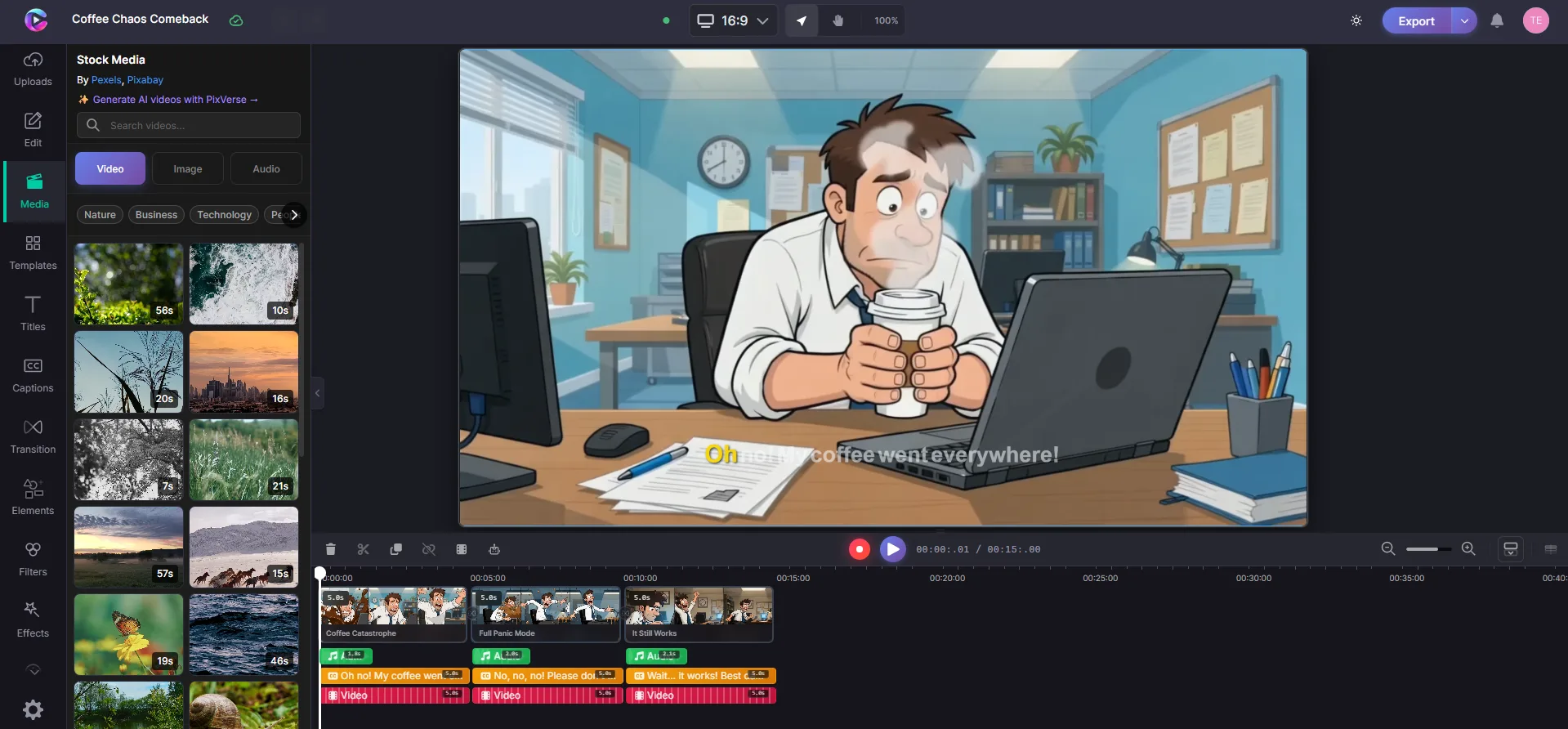
AI gets you most of the way there. The editor is where you make it yours.
3. AI tools, built in
Voiceover, auto captions, background removal, stock media, and more — without leaving the project.
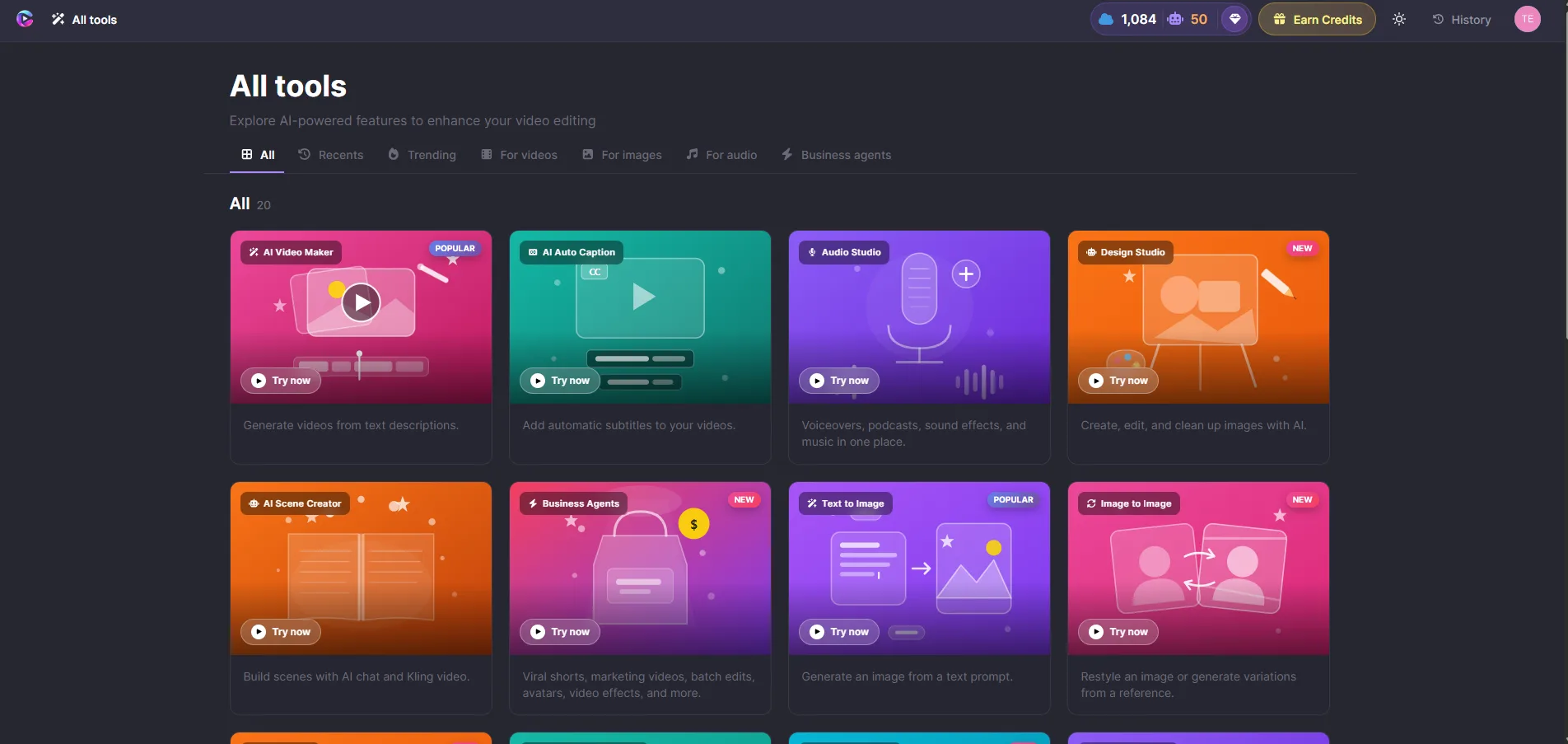
| Tool | What it does |
|---|---|
| AI Video Agent | Full video from a text description |
| AI Voiceover | Natural narration synced to your timeline |
| Auto Captions | Transcribe speech, style to match your brand |
| Background Removal | Blur, replace, or swap backgrounds in clips |
| Stock Media | Search photos and videos inside the editor |
4. Brand Kit — stay on-brand automatically
Save your colors, fonts, and logo once. Use them in every project.
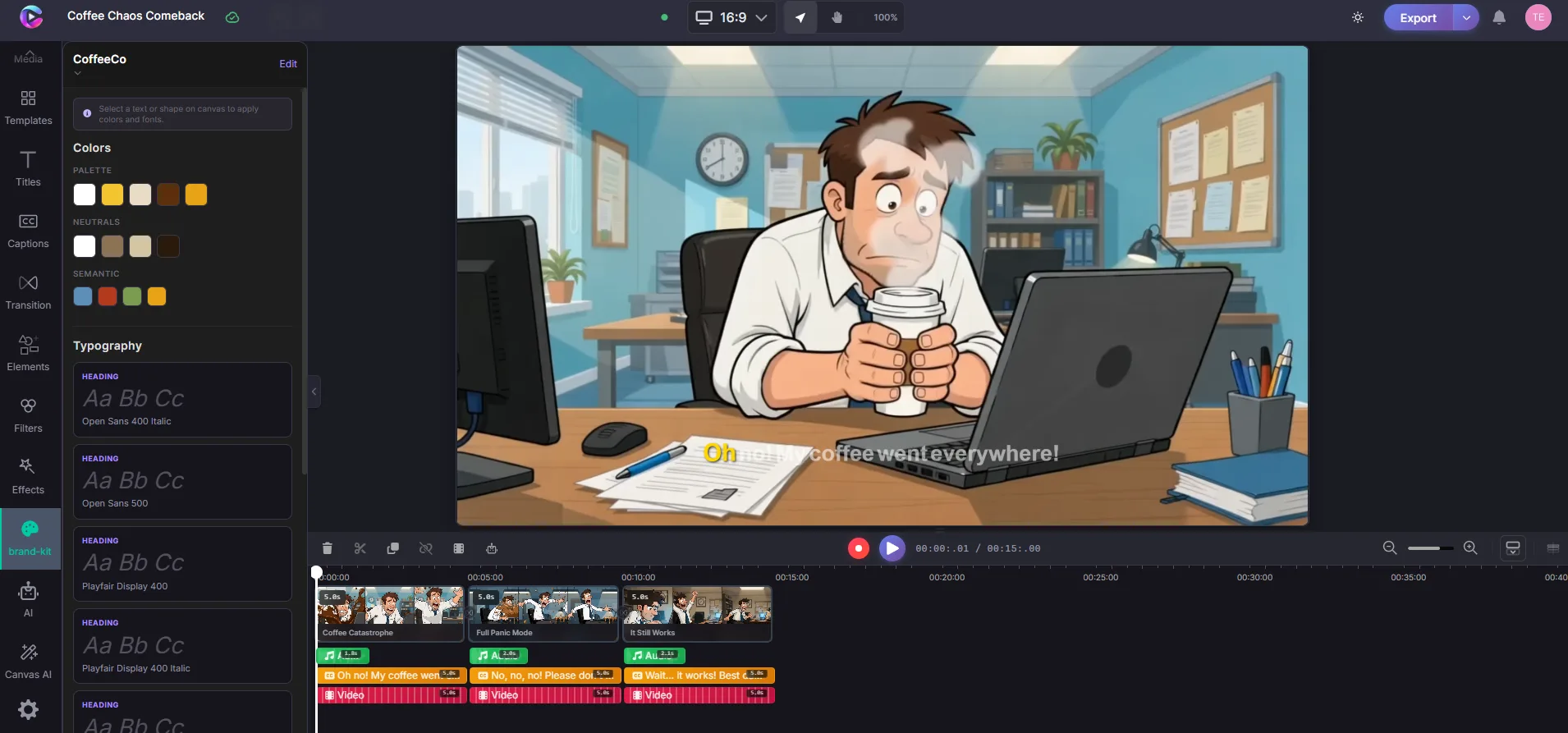
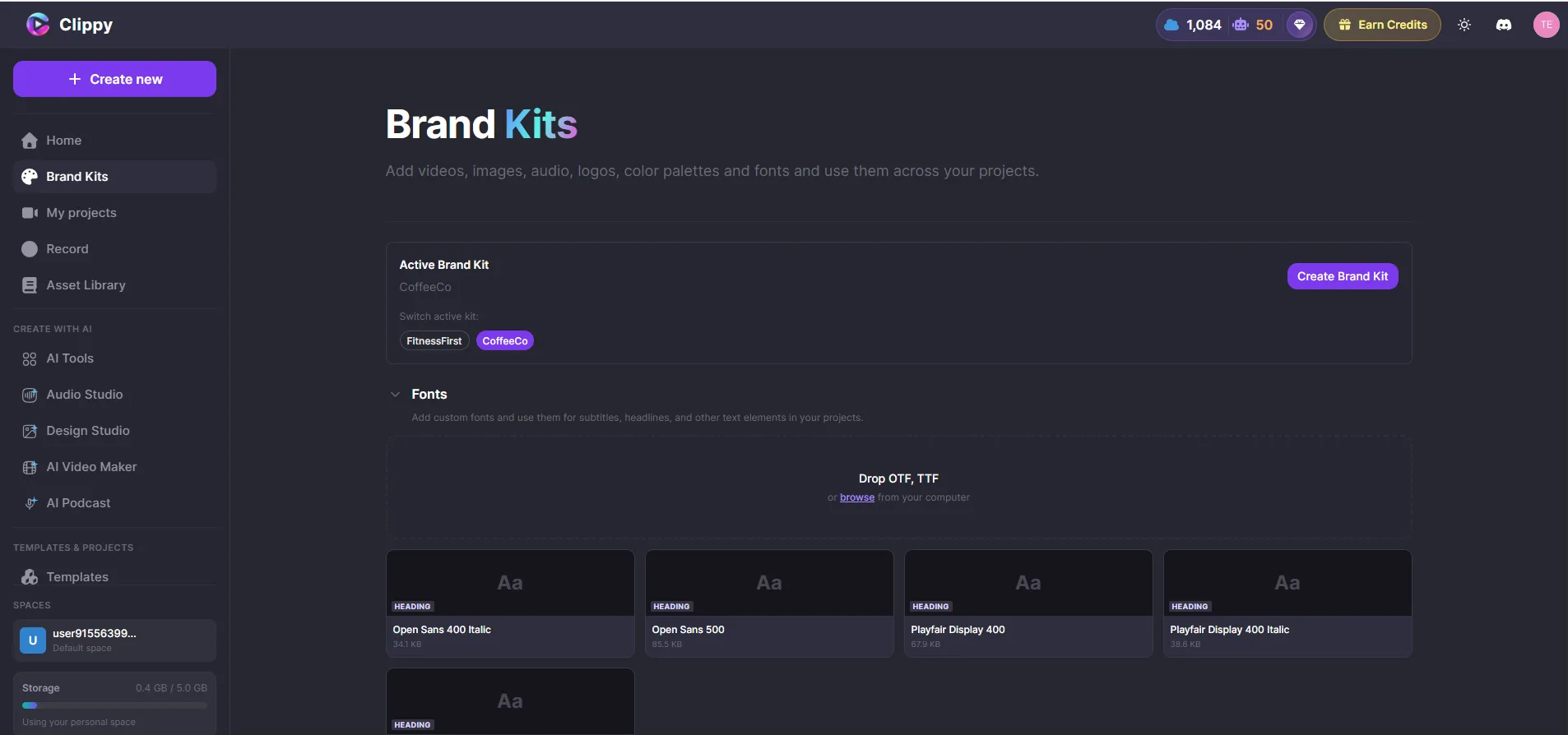
When you add text or captions, apply Brand Styles in one click. Your palette shows up first in every color picker. Your logo is always one insert away.
Clippy also supports rich brand identities for AI-generated video — so a luxury skincare line and a neighborhood café don't end up looking like the same template:
Lumiéra Skincare — editorial, luminous, considered:

CoffeeCo — warm, approachable:

Same platform. Different souls.
5. Export in the cloud
When you're happy, export to MP4 in 720p, 1080p, or 4K. Rendering happens in the cloud — close your browser, come back later. Your finished video will be waiting in your dashboard.
Quick start (60 seconds)
- Go to clippy.io and sign in
- Create a new project
- Use the AI Video Agent to turn your idea into a video — or upload your own media
- Arrange, trim, and style on the timeline
- Export your finished video
That's it. Browse the Clippy docs for deeper guides on captions, audio, animations, and more.
Who Clippy is for
- Founders & marketers shipping launch videos and social content on a schedule
- Educators & course creators who need clarity more than cinematic fog
- Social managers publishing across formats without rebuilding from scratch
- Small teams who want one toolkit instead of a Frankenstein stack
- Anyone who's ever thought, "I'll hire an editor later" — and later never came
What we believe
Creativity should feel light.
The best tools disappear while you work.
Brand is a system, not a sticker.
Logos and colors belong in the pipeline, not pasted on at export.
AI should assist, not replace, your judgment.
You approve the plan. You cut the scene. You own the final frame.
A note from the builder
I'm Irfan, founder of Clippy. I spent years in software engineering watching brilliant people stall at the production step — not the idea step.
We didn't set out to build "another AI video toy." We set out to build the creative platform we wished existed: rigorous under the hood, gentle on the surface, honest about what AI is good at and what humans are good at.
Clippy is that bet — still growing, still learning. If you try it, we'd genuinely love your feedback.
Come say hello
- Website: clippy.io
- Editor: app.clippy.io
- Documentation: docs.clippy.io
Start with a brief. Bring your brand kit if you have one. Make something you'd actually post.
We'll be here — timeline open, captions ready.