How the AI Video Agent Creates Videos From a Text Description
· 2 min read

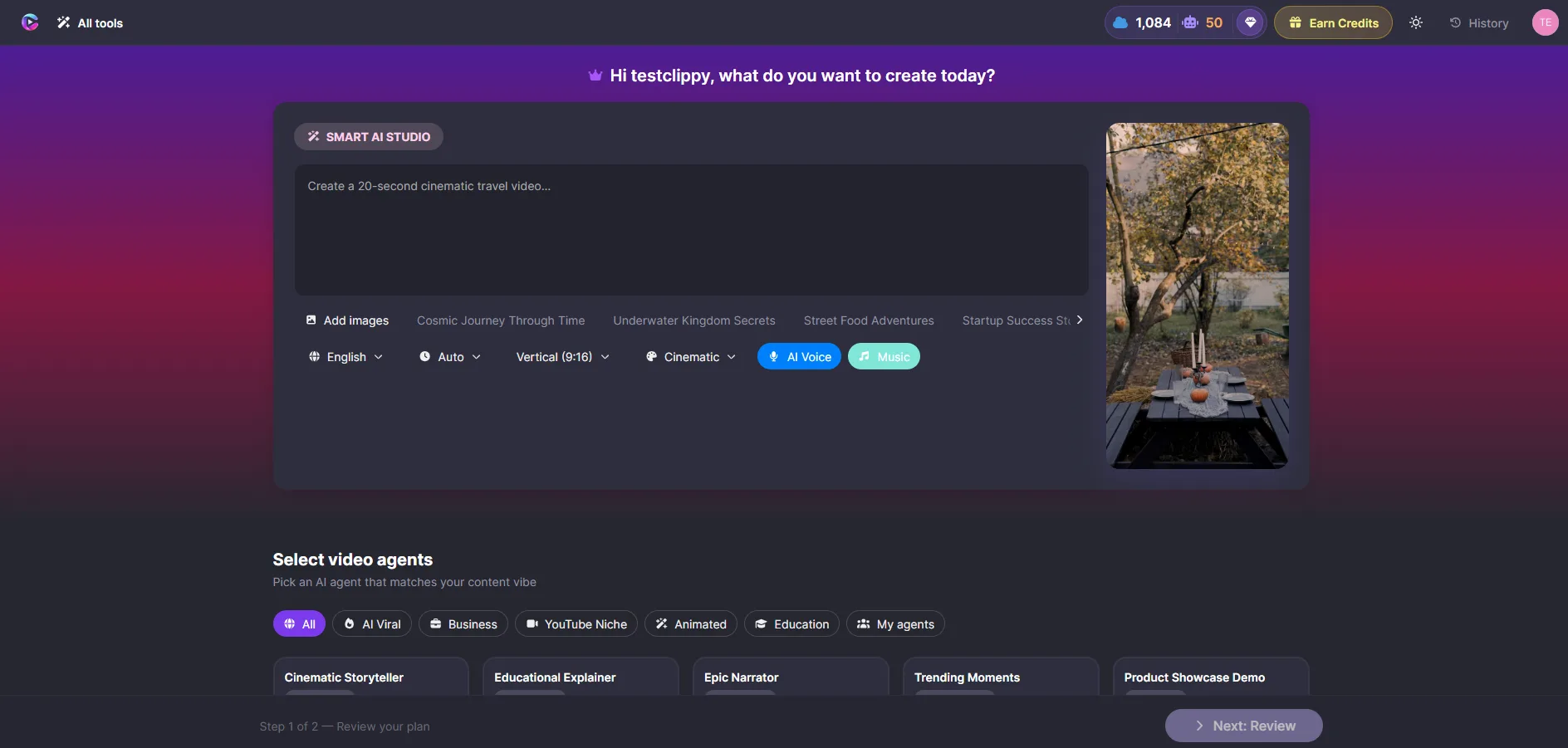
The AI Video Agent is the fastest way to create a video in Clippy. Type what you want, and the Agent handles the rest — scripting, media selection, voiceover, captions, and transitions.
How it works
- Open the AI Video Agent from the editor toolbar
- Describe your video — for example: "30 second product launch video, professional tone, blue theme"
- Choose a style and click Generate
The Agent shows progress as it works. When it finishes, everything is on your timeline.
What gets created
| Component | Description |
|---|---|
| Scenes | Structured scenes with relevant media from stock libraries |
| Voiceover | AI narration synced to each scene, with voice selection |
| Captions | Auto-generated captions styled to match your brand |
| Transitions | Smooth transitions between every scene |
Everything is editable
The AI builds a first draft — you have full control afterward. Reorder scenes, swap media, edit text, change the voiceover script and regenerate. The timeline stays yours to tweak however you want.
Tips for better results
- Be specific in your description. Include tone, length, and visual style
- Mention your brand colors or theme if you have one
- Use the Agent for a first draft, then polish manually for a custom touch
Try it at clippy.io — no credit card, no download.